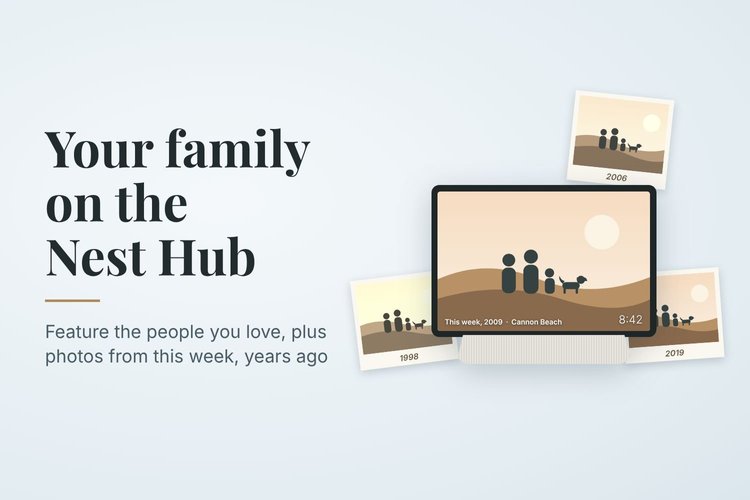
Fifteen minutes of setup turns a Nest Hub from a random slideshow into a frame that features your family and brings back photos from this time of year, years ago.
Prefer Google Photos to iCloud? You can use it on your iPhone or iPad without losing a single photo. Here's how to set up full-resolution backup, move your existing iCloud library with Apple's free transfer tool, confirm everything arrived, and avoid the common traps.
Every family has a box of photos full of faces nobody can name. This Family History Month, here's how to get ready to use Thanksgiving to finally find out who they are, with simple prep tips, questions to ask relatives, and the best ways to label photos so the answers last.
When you hand over boxes of vintage family albums, home movies, or hard drives, you aren’t just passing along media—you are entrusting someone with decades of private history. Here is what our renewed Privacy Advocate status with The Photo Managers means for the security, sovereignty, and strict chain of custody protecting your visual legacy.
Relying on iCloud or Google Photos to keep your family memories safe? Syncing isn’t backing up. In this Save Your Photos Month feature, discover how to use the 3-2-1 backup rule to build an automated, fail-safe photo archive you can trust.
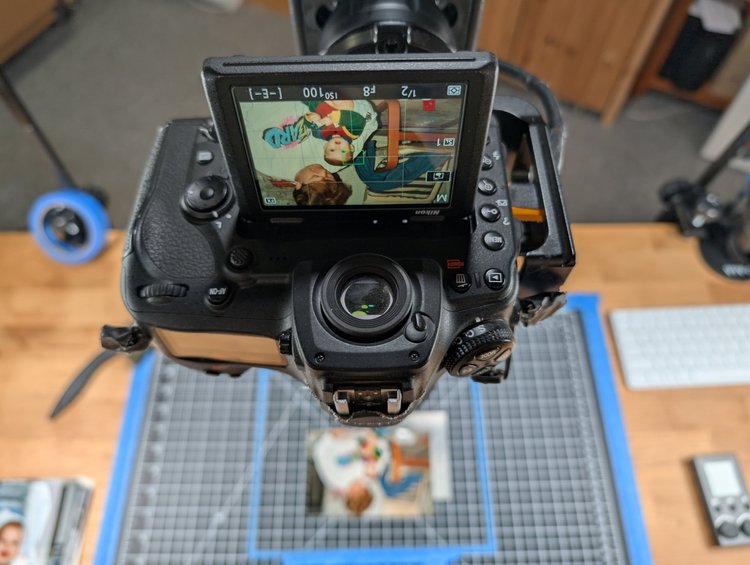
PPI or DPI — do you know the difference? One measures pixels on your screen, the other measures ink on paper. Getting it right is the difference between a blurry old photo and a crisp, frame-ready memory. Here's why we scan everything at 600 PPI or higher.
Think your photos are safe in the cloud? If you delete a photo on your phone or hit file corruption, cloud sync mirrors the disaster everywhere. Here is how to break free from sync-and-pray storage and set up an automated 3-2-1 backup system that actually protects your family's lifetime of memories.
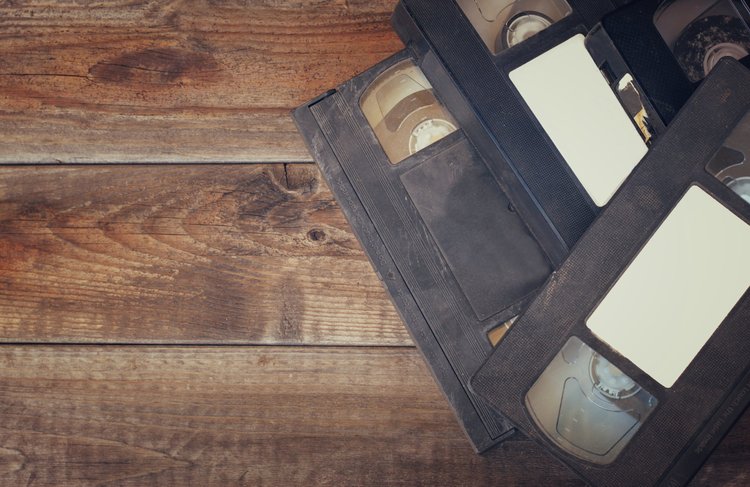
Those old VHS tapes and camcorder recordings hold priceless family memories. But they're also deteriorating. Analog video fades, becomes brittle, and eventually becomes unplayable. Don't let your family history disappear! Digitizing these videos is the only way to preserve them. Digital files are easy to store, share, and last for generations. Don't wait until it's too late.
I'm now a Certified Professional Photo Manager for 2025-2027! This means I'm equipped with the latest skills and knowledge to expertly organize, preserve, and protect your precious photo memories. My certification ensures you receive top-quality service, cutting-edge techniques, and peace of mind knowing your photos are in expert hands. Contact me today to get started!
The recent wildfires in Los Angeles serve as a stark reminder of the devastating power of nature and the importance of preparedness. We've seen incredible stories of loss, but also inspiring examples of resilience, like the firefighters who rescued precious photo albums while battling to save a family's home. Photos are more than just images; they are tangible memories, and losing them can be emotionally devastating. In light of the increasing frequency and intensity of wildfires, it's more important than ever to take proactive steps to protect your precious photo collection.