This week, a major maker of home network storage drives warned that ransomware is attacking devices that skipped a security fix released almost two years ago. The attackers lock every file on the drive and demand payment to unlock them. The fix was free. Many devices just never got it.
This isn't about one brand. Anything that holds your pictures and is connected to the internet can be a target: a network drive (NAS) in the closet, a USB drive plugged into your Wi-Fi router, a cloud-synced folder, or an old computer sharing files on your home network.
Three habits that protect your memories
- Update now, and don't just trust "up to date." Some owners found their drive said it was current when it had quietly stopped updating, and older models may not update on their own at all. Compare the version in the device's settings with the latest one on the maker's website, install any update by hand, then turn on automatic updates. If an older drive can't be updated right away, unplug it from the internet until it is. Do the same check for your router.
- Close doors you don't use. Turn off remote access features you don't need, and replace any default passwords.
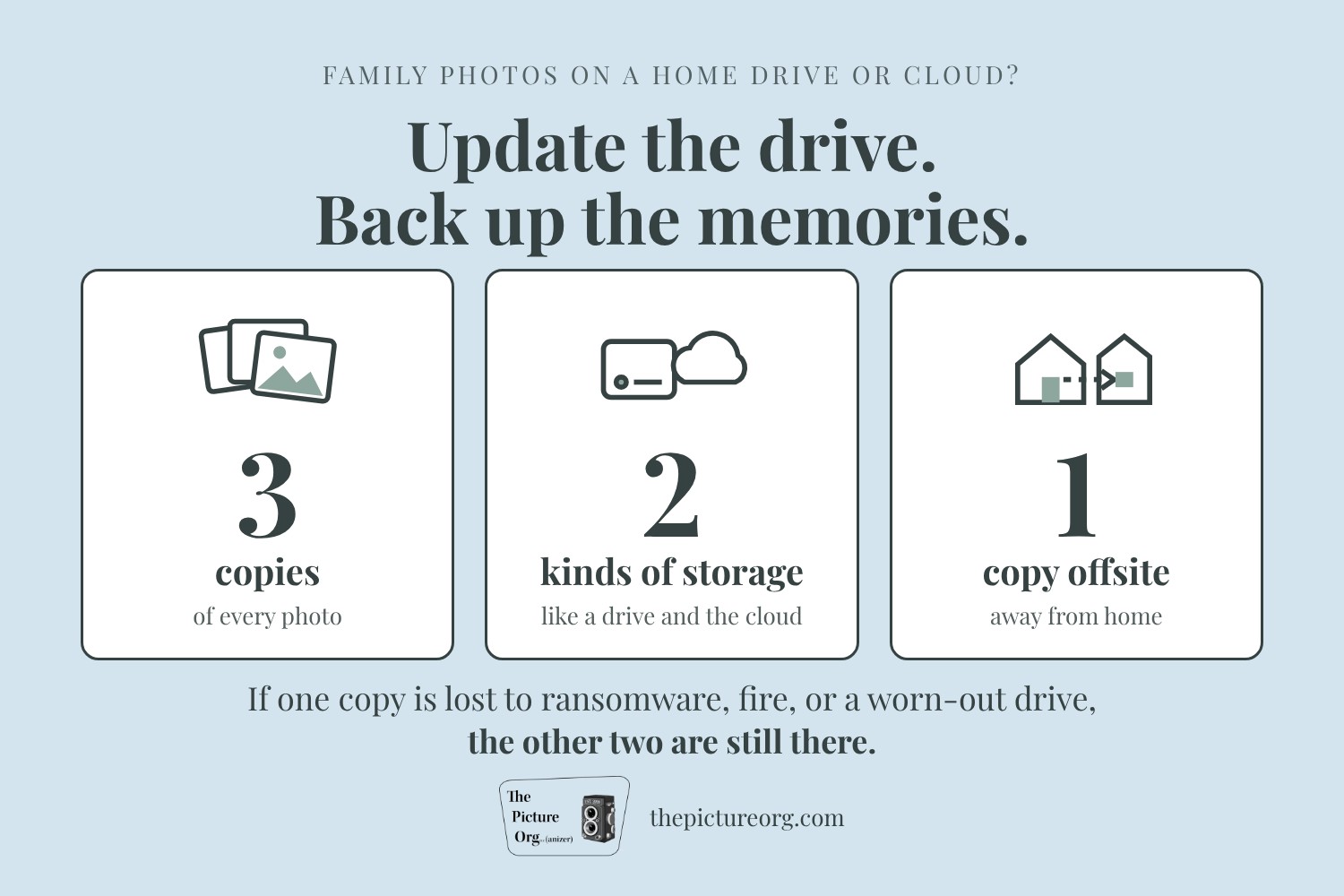
- Keep 3-2-1 backups. Keep 3 copies of your photos, on 2 different kinds of storage, with 1 copy somewhere else, like a cloud backup service or a drive at a relative's house. A drive that's unplugged between backups can't be locked by ransomware.
An update protects the device. A backup protects the memories. If ransomware, a fire, or a worn-out drive takes one copy, the other two are still there.
Read more: AppleInsider: PSA: Manually update your Synology NAS right now
Questions about keeping your family archive safe? Call or message us, or use the Let's Get Started! button to set up a time to talk.