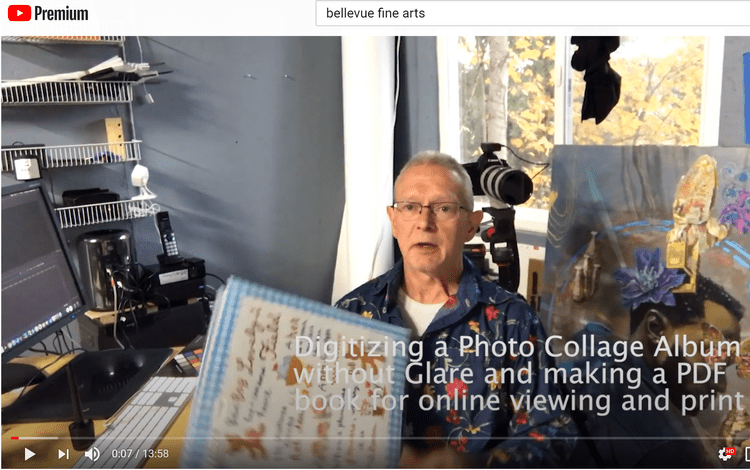
Digitizing a Scrapbook or Photo Album
Have you created (or inherited) some great scrapbooks or photo albums? Do you want to preserve them against damage, loss, or just share them with the family?
“The best thing about a picture is that it never changes, even when the people in it do.”
Have you created (or inherited) some great scrapbooks or photo albums? Do you want to preserve them against damage, loss, or just share them with the family?
With the holiday season already upon us, our photos can connect us with friends and family who are apart from us this season. Let The Picture Org (anizer) help you organize your photos for easy sharing and enjoyment!
Private online family websites and cloud storage companies let you upload, share, and archive family photos and memorabilia. Easily collaborate with family members, collect family history, and create timelines. When choosing a provider, take advantage of free trials and run a test with a small group of photos before you commit. #SaveYourPhotos2020
How should you organize your photos? There is no right or wrong way, just whatever makes sense to you. If you already have some chronology in place, look for ways to build on that structure. If your photos are unsorted, start organizing by theme: holidays, vacations, kids sports, etc. #SaveYourPhotos2020
Tackle your digital photo collection first. Your images may be at greater risk than your printed photo collection if you don't have sufficient backups in place. You will also be creating a home for your soon-to-be scanned photos. #SaveYourPhotos2020
What needs to be tackled first? Do you have photos to share for a milestone birthday? Are some in poor condition and need to be scanned before they deteriorate further? Use this information and your inventory to create a plan for organizing and digitizing. #SaveYourPhotos2020
Once you have finished gathering your items and placed like items together, take an inventory. For example: 6 photo albums, 4 shoeboxes of photos and letters, 10 photo CDs, 3 slide carousels, etc. This is the first step in managing your project. #SaveYourPhotos2020
Use a flatbed scanner for 2-D artwork and snap photos of oversize, 3- D, or glitter-covered masterpieces. Even better, record your child talking about a project while holding the artwork. #SaveYourPhotos2020
Need help dating photos? Family documents and letters contain dates and information that may unlock some mysteries. Use context clues in photos such as signs, wall calendars, or birthday candles. Even the size, markings, or type of photos can be informative. #SaveYourPhotos2020
Videos, both converted home movies and clips from your phone, are an important part of your memory collection and should be organized and stored in your digital photo hub with the rest of your photos. #SaveYourPhotos2020